Oops TowerJoyArc Original
Time twelve floor drops, trim overhangs, and land three perfect drops in a row to restore some width.
Game Controls & How to Steer
About Oops Tower
Oops Tower is JoyArc Quick Play's twelve-floor timing challenge. A floor slides from side to side above the current top. Tap, click or press Space to stack it at its current horizontal position; any overhang is cut away, leaving a narrower platform for the next floor.
A drop within eight game-coordinate pixels of the previous floor's left edge counts as perfect and preserves its width. Three consecutive perfect drops restore up to eighteen pixels of lost width, without exceeding the original 224-pixel width. A non-perfect drop resets the perfect streak.
A round fails when the overlapping portion is less than five game-coordinate pixels wide. Twelve successfully placed floors, excluding the base, complete the round. The next challenge starts a fresh tower at a higher speed; it is not an endless stack that continues above twelve floors. Floors speed up within a round, and the extra challenge-level speed increase stops growing after challenge thirteen.
The shared player defaults to English and can switch to Chinese in place. Completed challenge numbers, the next challenge and the shared language preference are stored in this browser. The partially built tower, moving floor and combo are not restored after a reload. There is no cloud save or automatic cross-device synchronization.
Key Features & Highlights
Each successful round ends at twelve placed floors above the base, then offers a fresh challenge rather than an unlimited tower.
Off-center drops keep only their overlap with the top floor. Less than five pixels of overlap ends the attempt.
Three perfect drops in succession recover up to eighteen pixels of width, capped at the original full width.
Floors accelerate as the tower grows. Later challenge numbers add speed, but that level-based increase reaches its cap at challenge thirteen.
The moving floor can be placed with a pointer, a focused-canvas Space press or the Drop this floor button. Completed progress is local, not an active-tower save.
How to Play - Rules & Objectives
- 1Select Oops Tower. Watch the first moving floor travel above the wide base.
- 2Wait until its edges align with the current top, then tap the canvas, press Space with canvas or page-body focus, or use Drop this floor.
- 3Check the remaining width after each drop. Any off-center overhang falls away, and the next floor uses the surviving width.
- 4Aim for three perfect drops in a row to recover some lost width. A non-perfect drop breaks the streak.
- 5Place twelve floors above the base to finish the round. Choose the next challenge for a faster fresh tower, or replay the current one.
- 6If a drop leaves less than five pixels of overlap, retry from the base. Use pause for a short break rather than refreshing a tower you want to keep.
Pro Tips & High-Score Strategies
- Focus on the current top's edges rather than the skyline below. A narrowed tower needs alignment with its new width, not the original base.
- Perfect timing allows a small tolerance; three consecutive perfects can recover width, but never more than the original full-width floor.
- Expect the horizontal travel to get faster as you add floors. The same delay between taps will not stay reliable throughout the round.
- Choose one input method for a drop. A canvas tap and a second immediate action-button press can place two different floors, so avoid accidental double inputs.
This guide describes the version hosted on JoyArc. Explore more arcade games.
Frequently Asked Questions (FAQ)
More Free Games You'll Love
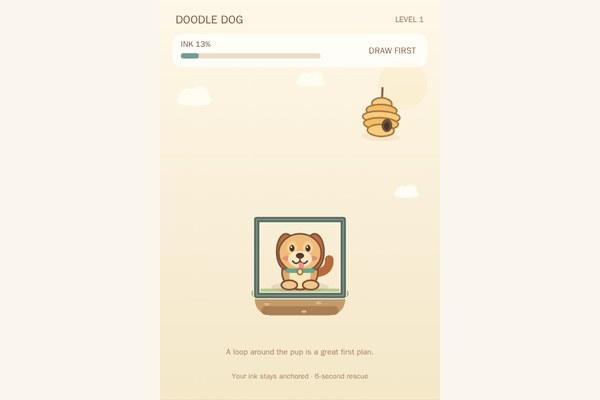
Doodle Dog
Draw anchored ink walls, release the bees, and keep the little dog untouched for six seconds.
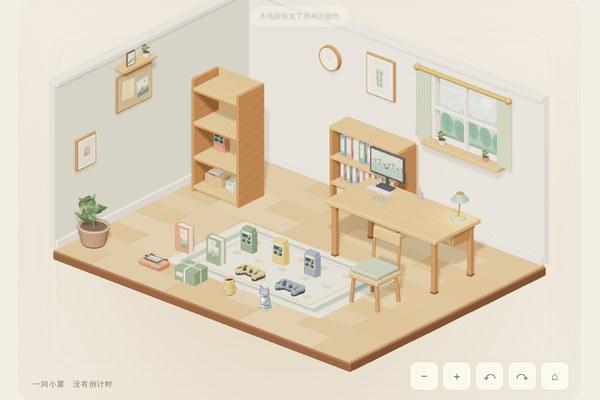
Cozy Collection Corner
Give twelve collectibles a home, wipe away two dusty spots, then decorate a small room at your own pace.

Idle Dungeon Miner
Build a mining crew, discover crystal depths and ascend with permanent relic power. Offline progress and downloadable save backups.