Rocket Goal: Free 3D Online Car Soccer Game
Browser GameDrive rocket-powered cars, boost into aerial strikes, and score giant-ball goals in 3D browser matches.

Rocket Goal Keyboard & Mouse Controls
More Free Games You'll Love

About Rocket Goal
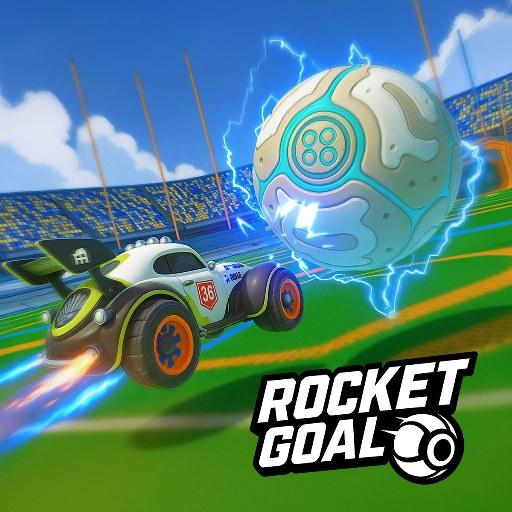
Rocket Goal delivers high-energy 3D car soccer straight to your web browser with zero downloads. Two teams of rocket-powered vehicles clash inside a walled futuristic pitch where the oversized soccer ball ricochets off curved corners, side walls, and crossbars. Every match lasts just a few intense minutes, making every kickoff challenge and last-second save count.
Unlike flat top-down soccer games, Rocket Goal rewards full three-dimensional vehicle control. You can drive up the stadium walls to clear looping centers, tap jump twice to snap a directional flip into a low shot, and hold boost while tilting your nose upward to meet floating passes in mid-air. Dedicated air-roll buttons on Q and E let experienced drivers level their wheels for clean landings.
Spatial awareness is just as important as mechanical speed. Toggling ball cam with Space or F keeps the camera locked onto the soccer ball even when you are rotating back toward your own goal to grab fresh boost pads. Switching briefly back to car cam helps you line up boost canisters and avoid colliding with teammates.
Because the stadium walls keep the ball constantly in play, possession flips in a split second. Overcommitting both players into the opponent’s corner leaves your own net wide open for a fast counter-attack, so smart rotation—one striker pressing while one defender shadows midfield—wins far more matches than chasing every touch blindly.
On JoyArc, Rocket Goal launches immediately inside your browser frame so you can practice aerial touches, sharpen your defensive shadow play, and jump into online car-soccer showdowns whenever you want a quick competitive fix.
Rocket Goal Key Features & Highlights
Accelerate with boost, drift sharp turns with Shift, and drive smoothly along curved arena walls.
Combine single jumps, directional flips, and Q/E air-rolls to strike airborne shots and land on all four wheels.
Switch effortlessly between ball-locked camera and forward car view with Space or F to track high rebounds.
No throw-ins or slow stoppages—curved corners funnel continuous passes right across the goalmouth.
Use pure keyboard keys (WASD + J/K) or pair WASD steering with Left/Right mouse clicks for boost and jump.
Start competing in 3D car soccer online on JoyArc without heavy client installations.
How to Play Rocket Goal - Rules, Goals & Controls
- 1Wait for the kickoff countdown, drive straight at the center ball with W, and fire boost (J or Left Click) just before impact.
- 2Tap Space or F early so Ball Cam tracks the ball automatically across high wall bounces and midfield clears.
- 3Approach grounded balls slightly off-center and tap K (or Right Click) to jump-flip through the center of the ball for harder shots.
- 4Hold Shift while turning sharply to powerslide 180 degrees when you need to rotate back on defense quickly.
- 5Collect glowing boost pads around the pitch during lulls in play so your tank is ready for high saves and counter-attacks.
- 6Use Q and E air-rolls after aerial hits so all four tires touch down flat, preserving speed as you recover.
Rocket Goal Pro Tips & High-Score Strategies
- Resist chasing the ball directly into your opponent’s corner if a teammate is already there—hang back near midfield to smash the centered rebound into an open net.
- On defense, position your car inside the back post facing across the goal line rather than parking sideways under the ball where rebounds drop behind you.
- Flip into the ball at the last instant rather than boosting blindly; a clean front-flip transfers sharper power while saving your remaining boost for recovery.
- Tap off Ball Cam briefly when sprinting back for corner boost canisters so you hit the pad cleanly without steering past it.
- Learn gentle single-jump blocks near your own goal—staying grounded instead of over-flipping lets you clear a second follow-up shot immediately.
This guide describes the version hosted on JoyArc. Explore more Sports games.