Melon Craft Ragdoll: Melon Sandbox Online
Browser GamePixel Ragdoll & Block Physics Sandbox. Place characters, arrange interactive blocks and test chaotic chain-reaction experiments.

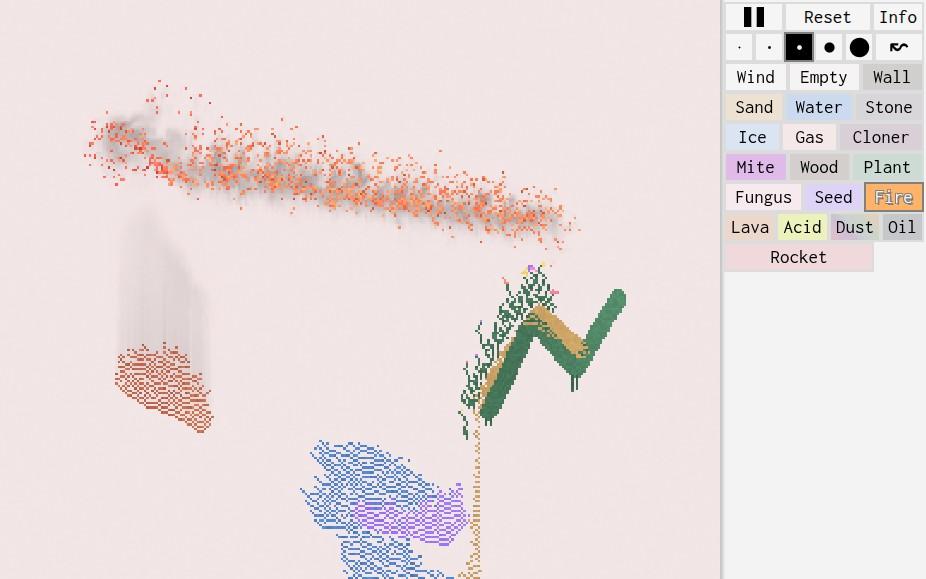
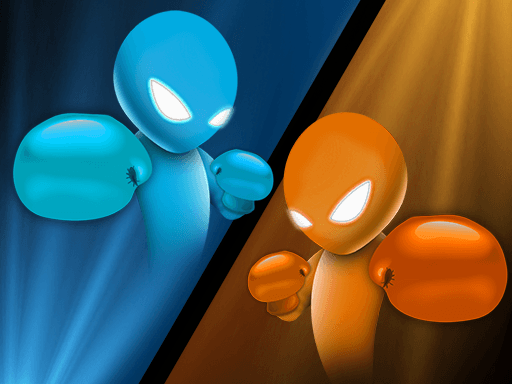
Melon Craft Ragdoll Keyboard & Mouse Controls
More Free Games You'll Love



About Melon Craft Ragdoll
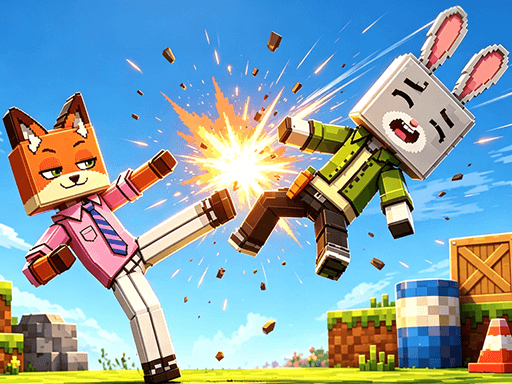
Melon Craft Ragdoll brings the appeal of pixel ragdoll playgrounds straight into an instant browser canvas. Instead of following rigid levels or fixed timers, you get an open grid stage where you decide the layout: stack blocks into ramps, walls, or cages, place ragdoll characters where you want them, add interactive props, and watch the simulated physics play out.
What makes ragdoll sandboxes endlessly replayable is experimentation. A small change—tilting a ramp by one grid cell, stacking an extra barrier block, or placing a ragdoll closer to a drop edge—completely alters how limbs bounce, tumble, and collide. Because there is no fail state punishing curiosity, you are free to rebuild and iterate in seconds.
The crisp pixel-craft styling keeps every character silhouette, block boundary, and collision reaction readable even when several ragdolls and props stack together at once. Controls stay intentionally minimal—simple click-or-tap dragging lets you assemble contraptions quickly with either a mouse or touchscreen.
Whether you want to build elaborate domino traps or just test goofy physics falls between classes on a Chromebook, Melon Craft Ragdoll opens cleanly in a browser tab with no download required.
Building reliable experiments encourages intuitive spatial thinking. Creating stepped chutes, narrow choke points, or seesaw-style drop platforms teaches you how momentum and pixel hitboxes interact across multiple objects, turning chaotic spills into predictable—or deliberately chaotic—showcase runs.
Because placing, adjusting, and resetting takes just a couple of clicks or finger taps, Melon Craft Ragdoll works equally well as a quick creative break or a longer contraption-building session on desktop, tablet, or Chromebook.
A helpful habit when designing multi-stage builds is testing weight and balance piece by piece before adding extra ragdolls. Dropping one character down your starter ramp reveals whether walls need higher guardrails or wider catch basins, saving time when you scale up into taller towers, twin drop chutes, or crowded bumper arenas filled with several bouncing ragdolls at once.
With clean pixel graphics that stay legible even during fast multi-body tumbles and zero installation barriers, Melon Craft Ragdoll gives sandbox fans an immediate place to prototype funny chain reactions right in any web browser.
Sharing ideas with friends works great too—take turns building a chaotic obstacle gauntlet on a tablet or Chromebook and see whose contraption sends the ragdolls flying farthest across the grid.
Combining angled platforms, tightly spaced bumpers, and stacked ragdolls turns even a modest grid build into an entertaining physics chain reaction that rewards small tweaks.
Melon Craft Ragdoll Key Features & Highlights
Build custom test arenas with zero timers, lives, or rigid puzzle locks.
Place pixel blocks and props cleanly on the stage before launching your setup.
Watch jointed pixel ragdolls tumble, bounce, and collide across custom obstacles.
Everything works through intuitive drag-and-drop placement on desktop, Chromebook, or mobile.
Start experimenting immediately in HTML5 with no download or sign-up.
How to Play Melon Craft Ragdoll - Rules, Goals & Controls
- 1Open the sandbox and choose building blocks from the palette to shape your stage or obstacle layout.
- 2Select ragdoll characters and interactive objects and drag them onto the grid.
- 3Adjust heights, spacing, or trap positions until the setup looks right.
- 4Start the physics experiment and watch how characters and objects collide and react.
- 5Reset or tweak the block arrangement to test new chain reactions and drops.
Melon Craft Ragdoll Pro Tips & High-Score Strategies
- Start with simple two-step ramps and landing pads before filling the screen with dozens of props so you can see each collision clearly.
- Leave small gaps between stacked blocks if you want ragdoll limbs to catch and tumble unpredictably.
- Use elevated ledges to build speed before ragdolls hit angled props below.
- Test one variable at a time when tuning contraptions—moving a single block often flips the whole outcome.
- Use fullscreen mode in the JoyArc player bar for extra room when arranging complex multi-layer builds.
- Anchor heavy boundary walls first before dropping multiple ragdolls so limbs bounce cleanly inside your test chamber instead of flying off-screen.
This guide describes the version hosted on JoyArc. Explore more Casual games.