Brainrot Mega Parkour: Obby Parkour Game 2-Player
Browser Game2-Player Obby Parkour & Lava Escape Game. Conquer 40 handcrafted stages across four intense parkour modes solo or on one keyboard.
Brainrot Mega Parkour Keyboard & Mouse Controls
More Free Games You'll Love


About Brainrot Mega Parkour
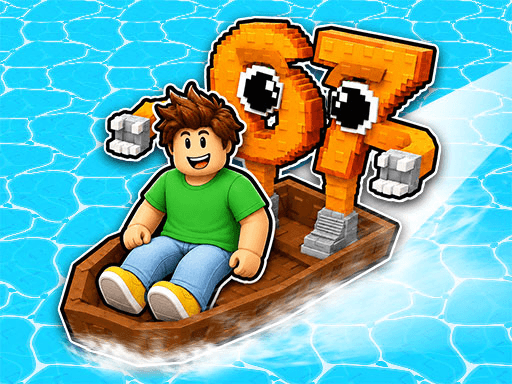
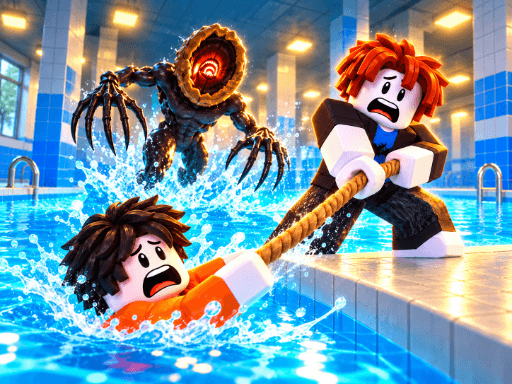
Brainrot Mega Parkour is a fast-paced browser obby that blends internet-famous Brainrot meme characters with classic obstacle-course platforming. Rather than repeating a single endless track, the game splits its action across forty handcrafted levels distributed over four distinct modes: vertical tower climbs, trap-heavy obstacle courses, rolling lava-ball chases, and rising lava flood survival stages.
Each mode changes how you read distance and timing. Tower stages reward steady vertical jumps onto narrow ledges where over-shooting a platform sends you sliding back down. Trap courses introduce moving hazards and timed gaps that punish blind sprinting, while the rolling lava-ball and rising-flood modes force immediate forward momentum where hesitating for half a second means getting swallowed by the hazard.
The inclusion of a built-in double jump—triggered by tapping jump a second time mid-air—turns tricky gaps into recoverable moments. Instead of spending both jumps immediately off the ledge, strong players use the first leap to clear the platform lip and hold the second jump as a mid-air correction for narrow landings or sudden moving platforms.
You can run all forty courses solo to master clean movement lines, or switch to local two-player mode on a shared keyboard or Chromebook. Because Player 1 uses WASD with Space and Shift while Player 2 uses the Arrow keys with L and K, two friends can race side by side through the exact same traps with zero extra setup, downloads, or account logins.
A big part of improving in Brainrot Mega Parkour comes from learning how sprint momentum interacts with platform spacing. Holding Shift or K stretches jump distance across wide lava chasms, yet tapping off sprint just before touchdown prevents your runner from skidding over the far side of small stepping blocks. Once you get used to toggling sprint mid-air instead of gluing a finger to it nonstop, tricky late-stage tower climbs and narrow catwalks become far more consistent.
Frequent checkpoints across the longer tracks keep frustration low even on tougher levels. Rather than forcing a full restart when a moving trap clips you late in a course, each reached marker lets you immediately retry the exact jump sequence that tripped you up—making the game great for short browser breaks or longer two-player best-of-five matches.
Brainrot Mega Parkour Key Features & Highlights
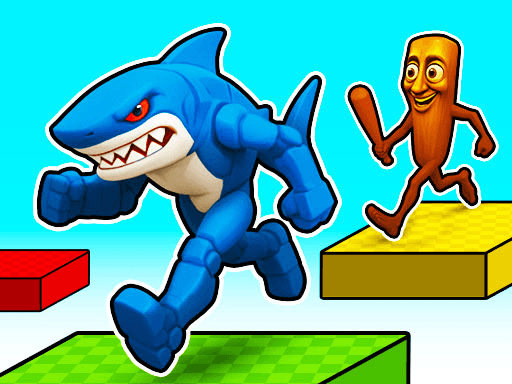
Switch between endless tower climbing, trap obstacle tracks, rolling lava-ball escapes, and rising lava flood survival.
Each course arranges ledges, gaps, and moving hazards intentionally instead of relying on flat recycled strips.
Race a friend on the same computer or Chromebook using separate WASD and Arrow key layouts.
Tap jump again mid-air to adjust distance, clear tall vertical steps, or correct an awkward landing angle.
Unlock and run courses with quirky meme characters that give each sprint an irreverent arcade tone.
How to Play Brainrot Mega Parkour - Rules, Goals & Controls
- 1Launch Brainrot Mega Parkour and choose solo play or 2-player local mode from the main menu.
- 2Select one of the four parkour modes and start on the opening course to get a feel for jump height.
- 3Move with WASD (or Arrow keys for Player 2) and hold Sprint when crossing long horizontal gaps.
- 4Tap Jump once to leap off a platform, then tap Jump a second time mid-air whenever you need extra lift or correction.
- 5In lava-ball and rising-flood levels, keep moving forward without pausing so the hazard never catches up.
- 6Reach the stage finish pad to unlock tougher obstacle layouts across all forty levels.
Brainrot Mega Parkour Pro Tips & High-Score Strategies
- Save your double jump until the peak or downward arc of your first jump so you gain maximum horizontal reach and landing control.
- Release Sprint briefly before landing on tiny isolated blocks; full sprint speed makes it easy to skid off narrow ledges.
- In rolling lava-ball stages, stay slightly off-center when possible and jump just before narrow choke points rather than running straight into corners.
- When racing in 2-player mode on one keyboard, agree on rhythm through tight sections so neither player rushes blind into moving traps.
- Replay early levels in any mode to practice chaining sprint-jumps seamlessly before tackling late-stage lava floods.
This guide describes the version hosted on JoyArc. Explore more Arcade games.