Parkour Block Maker: Block Parkour Level Maker
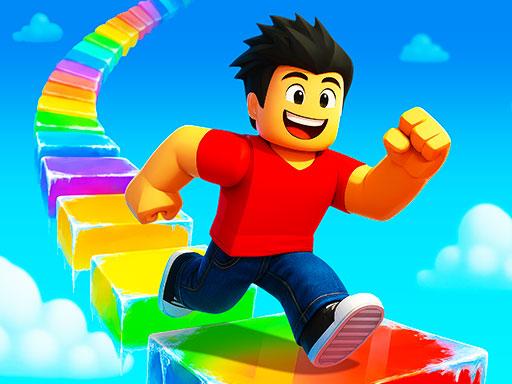
Browser GameBuild and conquer pixel parkour courses: place custom blocks and hazards in the level editor, or leap across escalating community obstacle stages.

Parkour Block Maker Keyboard & Mouse Controls
More Free Games You'll Love

About Parkour Block Maker
Parkour Block Maker merges the pulse-pounding precision of voxel obstacle-course platforming with the boundless freedom of a built-in sandbox level creator. Drawing visual and structural inspiration from iconic block-building universes, runners leap across floating cubic islands suspended over perilous voids, lava lakes, and lethal obstacle beds.
The platforming mechanics demand crisp timing and spatial accuracy. Success requires mastering momentum transitions: knowing when to tap a brief walk forward across single-block perches and when to hold Left Shift for an all-out sprint before leaping from the absolute edge of a precipice. A single misjudged angle sends your character plummeting into the abyss, resetting you back to the latest checkpoint.
What transforms Parkour Block Maker into a perennial favorite is its intuitive stage builder. Rather than simply consuming pre-crafted levels, players can step into editor mode anytime to erect towering aerial gauntlets. An accessible building palette allows you to paint terrain blocks, position lava tiles, install bouncy jump pads, embed checkpoints, and place the checkered goal beacon.
The community-focused architecture encourages endless creative variety. Experiment with rhythmic diagonal staircase hops, blind trust falls between narrow pillars, and momentum-carrying water drops. The ability to instantly test your custom creations with a single click guarantees that every obstacle can be refined until the difficulty feels challenging yet completely fair.
Advanced course designs often incorporate surface friction variations and ladder catch tricks. Landing on slick ice blocks propels runners forward with preserved momentum, requiring lightning-fast directional taps to avoid skidding over the opposite cliff. Mastering corner ladder grabs—catching a vertical ladder on the outside corner of a stone pillar mid-flight—rewards dedicated speedrunners with shortcut routes.
The visual presentation showcases crisp, vibrant voxel textures with sharp edge definition, ensuring that block faces, ledge margins, and gap depths remain crystal-clear to your eyes at high running speeds. Responsive first-person or over-the-shoulder perspectives deliver immediate spatial feedback with every bound.
Operating smoothly inside standard web browsers on JoyArc, Parkour Block Maker loads rapidly without standalone launchers or account hurdles. The responsive controls translate seamlessly to desktop keyboards, allowing parkour purists to hone speedrun paths across hundreds of obstacle permutations.
Whether you are looking to conquer relentless pre-made parkour gauntlets or unleash your inner level architect by crafting devilish jumping puzzles, Parkour Block Maker delivers an unbeatable blend of platforming adrenaline and creative sandbox satisfaction.
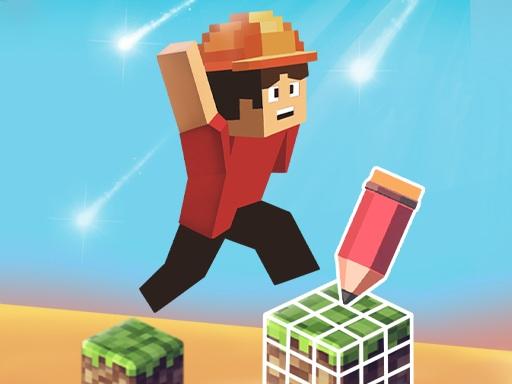
Parkour Block Maker Key Features & Highlights
Place stone blocks, lava hazards, bounce pads, and checkpoint markers to craft your dream parkour courses.
Execute edge-leaps, sprint jumps, and delicate single-block perch landings with tight responsive controls.
Tackle escalating jumping trials ranging from gentle training islands to devilish void gauntlets.
Toggle between building and running modes instantly with one click to balance every jump.
Vibrant block textures render with crisp clarity directly in standard web browsers with no installs.
How to Play Parkour Block Maker - Rules, Goals & Controls
- 1Use the WASD keys to steer your runner and Spacebar to leap across platform gaps.
- 2Hold the Left Shift key while running forward to sprint, gaining extra distance on wide leaps.
- 3Step onto glowing checkpoint pads throughout courses so you do not lose progress if you fall.
- 4Switch to the Level Editor from the main menu to begin building your own custom parkour stage.
- 5Select block types from the building palette and click within the 3D grid space to place platforms.
- 6Position the checkered victory flag at the end of your course and test-run your creation to the finish line.
Parkour Block Maker Pro Tips & High-Score Strategies
- Always hit your jump command right at the very edge of the block to maximize horizontal flight distance.
- Release the sprint key the moment your feet touch a narrow single-block perch to prevent sliding off the far side.
- In the level editor, test each jump distance three times to ensure it can be conquered without lucky glitches.
- Use color-coded blocks (like gold or quartz) to visually warn runners of impending tricky diagonal jumps.
- Line up your crosshairs with the center of the next landing block before leaping to maintain straight flight paths.
This guide describes the version hosted on JoyArc. Explore more Action games.